01 / Collectibles and score increases
Coin pickup
“A short 8-bit coin pickup: two bright square-wave beeps stepping upward in pitch, with a clean, quick finish. No music or background ambience.”
Retro game audio
Coin pickups, springy jumps, laser shots and tiny menu blips. Describe the retro sound you want in AI Sound Effects Generator for iOS and Android.
Use these suggested prompts as starting points for 8-bit-style audio. AI results vary; these are prompt ideas, not a downloadable sound pack or verified audio samples.
New app users: 3 free sound generations before paying.
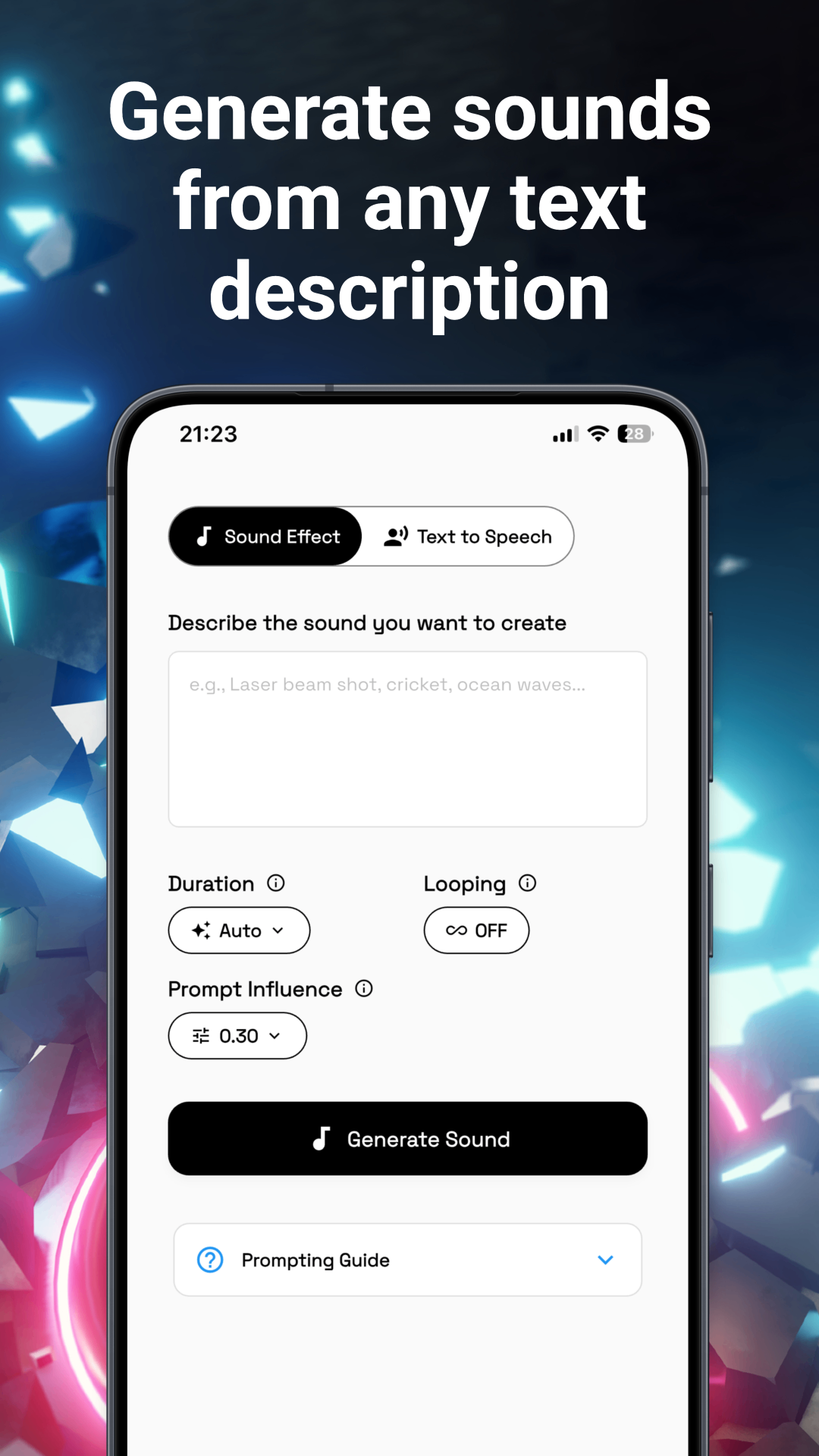
Choose one action per sound. Name the tone, pitch movement and ending, then exclude music or ambience when you need a clean game cue.
01 / Collectibles and score increases
“A short 8-bit coin pickup: two bright square-wave beeps stepping upward in pitch, with a clean, quick finish. No music or background ambience.”
02 / Platformer jumps and bouncy transitions
“A single retro 8-bit jump sound, a quick rising pitch sweep with a springy square-wave tone. Dry and short, with no echo or music.”
03 / Space shooters and sci-fi video edits
“One 8-bit arcade laser shot with a sharp attack and a fast descending electronic pitch sweep. No explosion, voice or background music.”
04 / New abilities and reward moments
“A cheerful 8-bit power-up sound: a short sequence of rising electronic notes ending on a bright sustained beep. No backing track.”
05 / Damage feedback and failed actions
“A brief retro-game damage sound: a crunchy burst of electronic noise followed by a low falling beep. No realistic impacts or voices.”
06 / Game menus and pixel-art interfaces
“A crisp, tiny 8-bit menu selection blip, a single bright electronic tone with an immediate stop. No reverb, music or other sounds.”
“8-bit sound effects” often describes the beeps, pitch sweeps and noise bursts associated with retro games. Requesting that style does not guarantee a particular file bit depth, sample rate or original-console sound chip.
This app generates sounds from text; this guide is not a file-conversion tool. If your game needs a specific audio format, check the exported file and convert it in an audio editor as needed.
Give collectibles a bright pickup cue, make damage sound different from a reward, or add a short retro blip to a video transition. For menus, keep sounds brief so repeated selections stay unobtrusive.
Need precise synthesizer controls instead of text prompts? jsfxr is a browser-based retro sound maker with waveform and envelope controls.